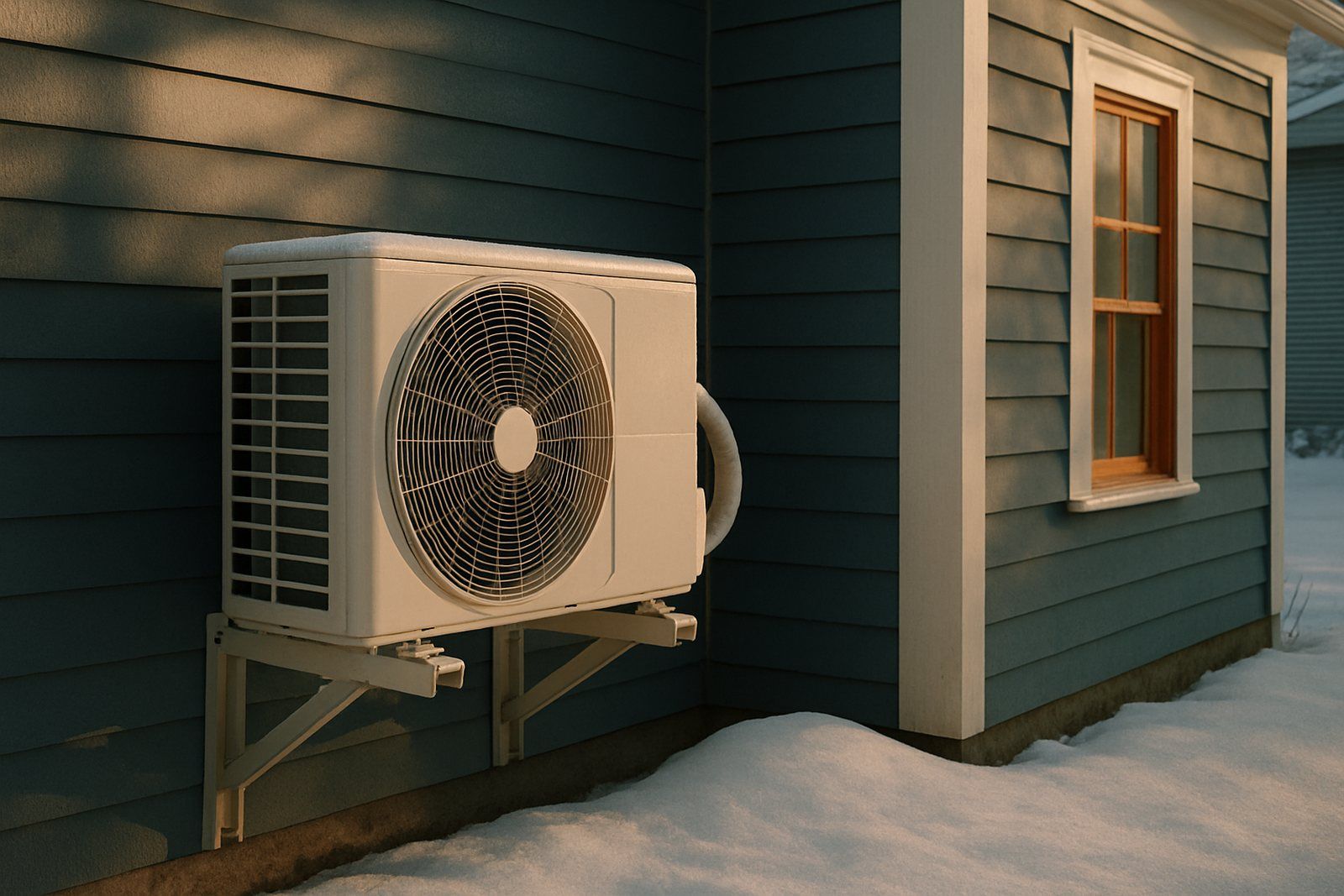
Heating & cooling
Cold-Climate Heat Pumps: Do They Really Work Below Freezing?
How cold-climate heat pumps perform below freezing, what the ENERGY STAR cold-climate label requires at 5°F, how to use the NEEP list and plan backup heat.
Topics
Short answer
An ENERGY STAR certified smart thermostat saves about 8% on heating and cooling bills, or roughly $50 a year for an average household, according to EPA. Homes that sit empty much of the day or have high heating and cooling costs can save about $100 a year. Savings come from setbacks, so settings matter more than the device.
Smart thermostat savings are real, but they are modest and they depend on how you set the device up. EPA’s ENERGY STAR program puts the average at about 8% of heating and cooling costs, which works out to roughly $50 a year. This guide explains where that number comes from, which settings earn the savings, and what heat pump owners and people without a C-wire need to know before buying.
On average, an ENERGY STAR certified smart thermostat saves about 8% on heating and cooling bills, or about $50 a year, according to EPA. Homes with high heating and cooling bills, or homes that are empty for long parts of the day, can save about $100 a year. Mild-climate homes and homes that are always occupied save less.
Source: ENERGY STAR (U.S. EPA), Smart Thermostats (as of October 2026).
| Household | Estimated savings per year |
|---|---|
| Average home | $50/yr |
| High bills or empty all day | $100/yr |
Those figures come from real homes, not lab tests. To earn the label, a thermostat maker must show savings using field data from more than one thousand homes over a full year. The ENERGY STAR criteria require a heating run-time reduction of at least 8% and a cooling run-time reduction of at least 10%, measured at the lower 95% confidence limit. That is a conservative bar, so a typical certified product should do at least that well.
Heating and cooling are the biggest energy users in most homes. The U.S. Energy Information Administration (EIA) found that space heating and cooling made up 52% of household energy use (EIA, Residential Energy Consumption Survey data for 2020). ENERGY STAR puts heating and cooling at almost half of the average household’s annual energy bill, or more than $900 a year. A small percentage of a big number still adds up.
| Your situation | What to expect | Why |
|---|---|---|
| Home empty most weekdays | Higher end, about $100 a year (ENERGY STAR) | Long daily setbacks while no one is home |
| Cold winters or hot summers | Above average | More heating and cooling hours to trim |
| Mild climate | Below average | Smaller heating and cooling bills to begin with |
| Someone home all day | Below average | Fewer hours for a safe setback |
| Already using a well-set programmable thermostat | Small extra savings | You are already doing most of the work |
| Heat pump with backup strips, poorly set up | Savings can vanish | Recovery can trigger costly resistance heat |
The savings come almost entirely from setbacks: running the heat less while you sleep or are out, and running the air conditioning less when no one needs it. A smart thermostat does not make your furnace or heat pump more efficient. It makes it easier to stick with a good schedule.
The U.S. Department of Energy (DOE) says you can save as much as 10% a year on heating and cooling by turning your thermostat back 7°F to 10°F for 8 hours a day from its normal setting. A smart thermostat helps you get there in a few ways:
A cheaper programmable thermostat can deliver similar savings if you program it and leave it alone. DOE notes that programmable thermostats cost less but usually lack the interactive features. The honest trade-off is convenience versus price.
The biggest savings come from a steady overnight and away setback of 7°F to 10°F, a modest comfort setting while you are home, and leaving the fan on Auto. Avoid constant manual overrides and “hold” modes that cancel your schedule for days.
Here is a simple setup plan:
No. A cooler house loses heat more slowly, so the energy you save during a setback is generally more than the energy it takes to warm back up. The one big exception is a heat pump with electric-resistance backup heat, covered next.
Yes, but you need a model and settings designed for heat pumps. DOE warns that if you set back a heat pump manually and that causes backup electric-resistance heat to switch on, you can lose your savings, because that backup heat costs much more to run. Use a smart or programmable thermostat with functions suitable for a heat pump.
Most ducted heat pumps have electric-resistance “strips” as auxiliary heat. When you ask for a big temperature jump on a cold morning, a basic thermostat may call for those strips to close the gap fast. A heat-pump-aware thermostat recovers more slowly, starting earlier so the heat pump can do the job alone.
ENERGY STAR takes this seriously enough that certified thermostats must report how much resistance heat heat pump homes use at different outdoor temperatures. ENERGY STAR also notes that homes with variable-capacity (not single-speed) heat pumps or air conditioners will generally perform best with the thermostat the equipment maker recommends, whether or not that model is certified.
Settings to ask your installer about:
If you are thinking about a new system, our heat pump cost and savings guide explains sizing and efficiency ratings, and our guide to heat pumps in cold climates covers backup heat and defrost in more detail.
Most smart thermostats work with common low-voltage (24-volt) furnaces, air conditioners and heat pumps. Many need steady power through a common wire, called a C-wire. Line-voltage systems, such as many electric baseboard heaters, need a thermostat made specifically for line voltage.
Before you buy:
ENERGY STAR also advises checking compatibility with your heating and cooling system and keeping Wi-Fi thermostats close to your router, or using a range extender. A certified thermostat must keep working as a basic thermostat if the internet drops.
Demand-response programs pay you to let your utility adjust your thermostat by a few degrees during a limited number of peak hours, usually on the hottest or coldest days. ENERGY STAR certified smart thermostats must be able to work with these programs, and you must keep the ability to override any event.
Typical rewards include a rebate on the thermostat, a sign-up credit and seasonal bill credits. Programs differ widely. Some pre-cool or pre-heat your home before an event so you barely notice. Others ask you to accept a set number of events each season.
To find what your area offers:
A smart thermostat is usually worth it if your home is empty for long stretches, your heating and cooling bills are high, or you have struggled to keep a programmable thermostat set correctly. If you already use steady setbacks and someone is home all day, the extra savings will be small.
A quick way to judge it: look at your past year of bills and estimate what you spend on heating and cooling. Multiply that by 8% for a rough average savings figure, then compare it with the price of the thermostat after any utility rebate. Remember that ENERGY STAR’s numbers are national averages and EPA itself cautions against applying them directly to any one home or region.
Source: ENERGY STAR Smart Thermostats; U.S. DOE Energy Saver (as of October 2026).
A thermostat cannot fix a leaky, under-insulated house. If rooms are drafty or your system runs constantly, start with a professional home energy audit to find where heat is escaping. Sealing the gaps with our air sealing guide often makes every degree on the thermostat go further.
An ENERGY STAR certified smart thermostat saves about 8% on heating and cooling, or roughly $50 a year on average, and more if your home sits empty during the day. The device only saves money if you use setbacks, leave the fan on Auto, and avoid overriding your schedule. Heat pump owners should choose a heat-pump-aware model and ask about auxiliary heat lockout. Check your wiring for a C-wire before you buy, and look for a utility rebate or demand-response program to cut the cost.
It can still help, but expect smaller savings. ENERGY STAR notes that homes that are always occupied see less savings, because there are fewer hours when the thermostat can safely set the temperature back. You can still save by lowering the heat a few degrees overnight, by using an energy-saving schedule, and by joining a utility program that pays for small adjustments on peak days. If your system runs a lot and your bills are high, the run-time reports can also point to problems such as a clogged filter or leaky ducts.
Many smart thermostats need one, but not all. The common wire, or C-wire, gives the thermostat steady 24-volt power for its screen and Wi-Fi. Some models run on batteries or use a power adapter kit when no C-wire exists. Before buying, turn off power to the system, remove the old thermostat face, and note which terminals have wires. Check the product's compatibility checker against your wiring, or have an HVAC technician add a wire if needed.
Set it as low as is comfortable while you are home and awake, then let it set back 7°F to 10°F while you sleep or are away. DOE says that setback, held for about 8 hours a day, can cut heating and cooling costs by as much as 10% a year. Keep the home warm enough for older adults, babies, anyone with health conditions and pets. If you have a heat pump, use smaller setbacks or a heat-pump-aware schedule so backup heat does not kick in.
No. This is a common myth. A house loses heat more slowly when it is cooler inside, so letting it cool down for several hours means less total heat loss. The energy needed to warm back up is generally less than what you saved during the setback. The main exception is a heat pump with electric-resistance backup heat, where a fast recovery can trigger the expensive backup strips. A thermostat designed for heat pumps manages recovery more gradually.
Auxiliary heat is backup heat, usually electric-resistance strips inside the air handler of a heat pump system. It comes on when the heat pump cannot keep up, during defrost cycles, or when you ask for a big jump in temperature. Emergency heat is a manual setting that runs only the backup heat. Both cost much more to run than the heat pump itself. If aux heat runs often in mild weather, ask an HVAC technician to check your thermostat settings and system.
You let your utility nudge your thermostat a few degrees during a limited number of high-demand hours, usually on very hot or very cold days. In return, many utilities offer a sign-up credit, a rebate on the thermostat, or bill credits per season. ENERGY STAR certified smart thermostats must be able to work with these programs, and you keep the right to override any event. Rules and payments vary, so read your utility's program terms before enrolling.
For most homes, choose Auto. DOE's Energy Saver guide recommends setting the fan switch to Auto unless an indoor air quality professional has set your system to run the fan continuously for health reasons. With the fan on all the time, the blower motor uses extra electricity, and in summer it can blow moisture from the cooling coil back into the house, which makes rooms feel clammy.
Many homeowners do, if the system uses standard low-voltage wiring. Turn off power to the furnace or air handler at the switch or breaker, label each wire before you remove the old thermostat, and follow the install guide. Do not try a do-it-yourself swap on line-voltage thermostats (common with electric baseboard heaters), which carry household voltage. If you have a heat pump, a dual-fuel system or no C-wire, a professional install avoids setup mistakes.
Yes, a certified one keeps running. ENERGY STAR criteria require that a certified smart thermostat still works as a basic thermostat without a connection to its service provider. Your schedule and temperature control continue, though you lose remote control from your phone, geofencing and utility events until the internet comes back. Keep your thermostat within good Wi-Fi range of your router, or add a range extender, to avoid frequent dropouts.
How cold-climate heat pumps perform below freezing, what the ENERGY STAR cold-climate label requires at 5°F, how to use the NEEP list and plan backup heat.

Ways to lower your energy bill, ranked from free habit changes to low-cost fixes and big upgrades, with official savings figures and where to find help.
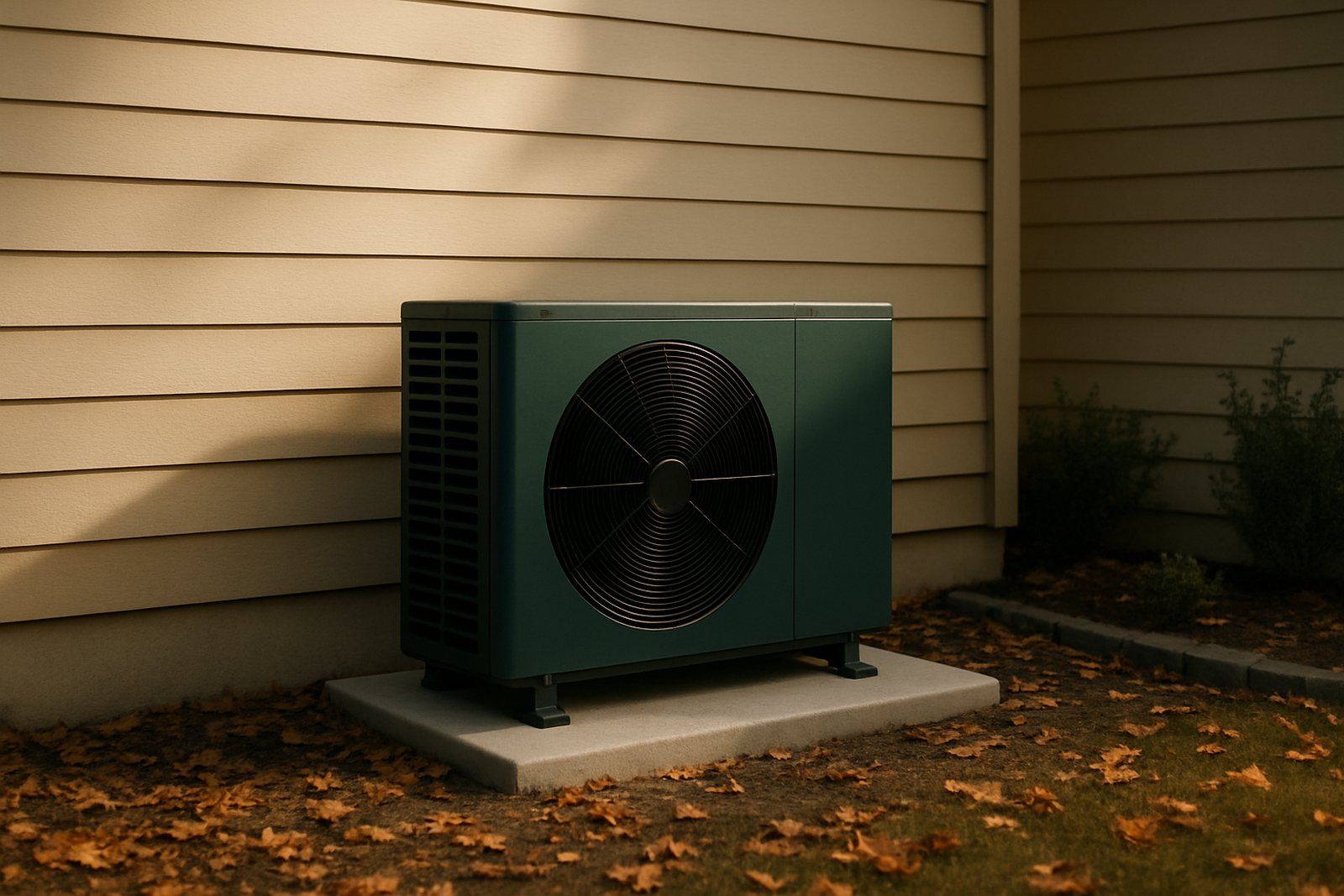
What a heat pump costs to run in 2026, how much it can save versus a furnace, AC or baseboard heat, how to read SEER2 and HSPF2, and what help is left.